
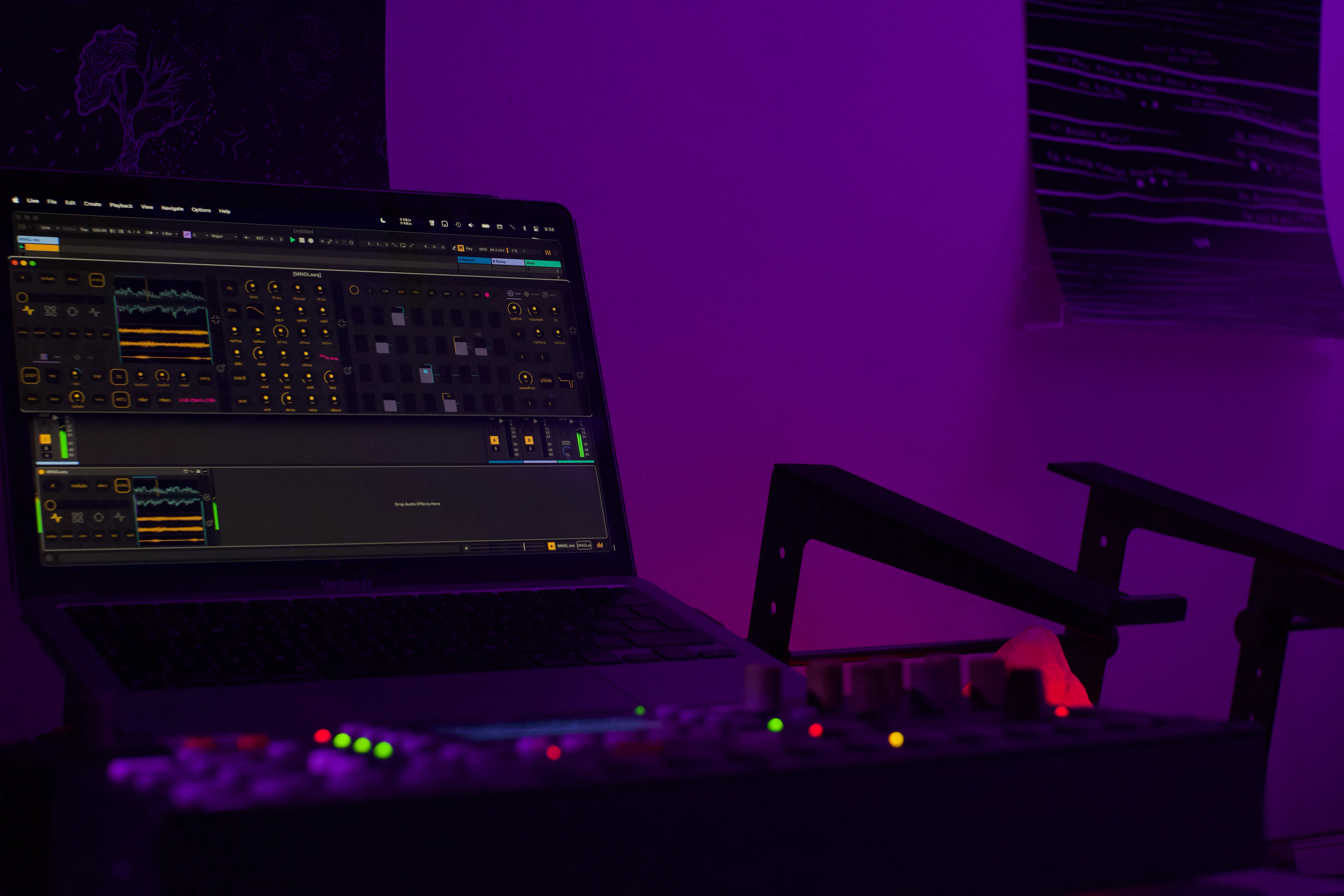
Squeeze more out of your sound. If it outputs audio, MNGLseq can mangle it. Audio tracks, MIDI tracks, return tracks it'll take whatever you throw at it. With 2 independent samplers and a full 64 step sequencer, the mangling possiblities are endless.
Whether your looking for precision or chaos, 8 independent lanes of parameter locks for all sampler and FX parameters give you the control you need to make it happen. Modulate the LFO, modulate the sampler's rate. Even modulate the timestretch algorithm selector, if you dare.
The effects you want. All waiting to be modulated. Complex LFO can morph between multiple shapes and wavefold. 3 band EQ, high pass and low pass filters with resonance and drive control. Take it to the extreme with parallel distortion and the ping-pong delay feedback loop. Fill in space with the reverb and noise circuit for tasty trails.
Timestretch allows you to keep the pitch fixed and stretch audio in realtime like you've always wanted. Dedicated control for pitch (-48 to +48 semitones) so you can repitch on your own terms.
Timestretch Algorithms let you pick your flavour of artifacts to match your preferences and source material. Pick from 6 algorithms and 4 quality levels.
Quantised Recording forget about pressing record at the right time. Enable auto record on transport start or manually record on the next bar or X number of bars
Quantised Retriggers enable auto retriggering on transport start or every bar or X number of bars. Manually retrigger on the next bar or X number of bars
ADSR attack decay sustain release controls for the 2nd sampler with 3 modes: ADSR, AD trig and looping envelope mode
Gate / Trig switch between gate and retrigger modes for different styles. Trig behaves like a traditional sampler and will retrigger the sampler on every trig. Gate will only trigger the ADSR for a gate style effect.
Stay locked to Ableton's transport with timestretching and quantised recording and retriggering. Don't feel trapped though, detach at anytime with the variable rate control, 9 independent clock dividers, 6 playback directions and last step settings. Then snap back in an instant with the crossfader or re-attach with the quantised resets and retriggers.
Fast workflow with direct access to controls for zero friction between idea and sound. The dynamically resizable interface can be as small or big as your monitor can handle. Let the visual feedback guide you intuitively. Need to control something with a MIDI controller or want to automate a parameter from Ableton Live? No problem, pop open the MIDI mapping window and access every parameter except the sequencer steps.
Worried about recording over great takes? Don't. Harness the undo / redo features and seize the moment or use them creatively for juggling A&B sections. Copy and paste all the common parameters between the 2 samplers with 1 button press for quick radical changes and preparing parameter changes in batches. And if all fails, you can always blend back to your input signal at anytime! Go explore, what's the worst that can happen..

Independent rate and pitch controls mean you can stretch and tweak the sound as much as you like and snap back in sync with the quantised retriggers. 6 different timestretch algorithms and 4 quality levels. Find the combo that suits your source material and preferences best.
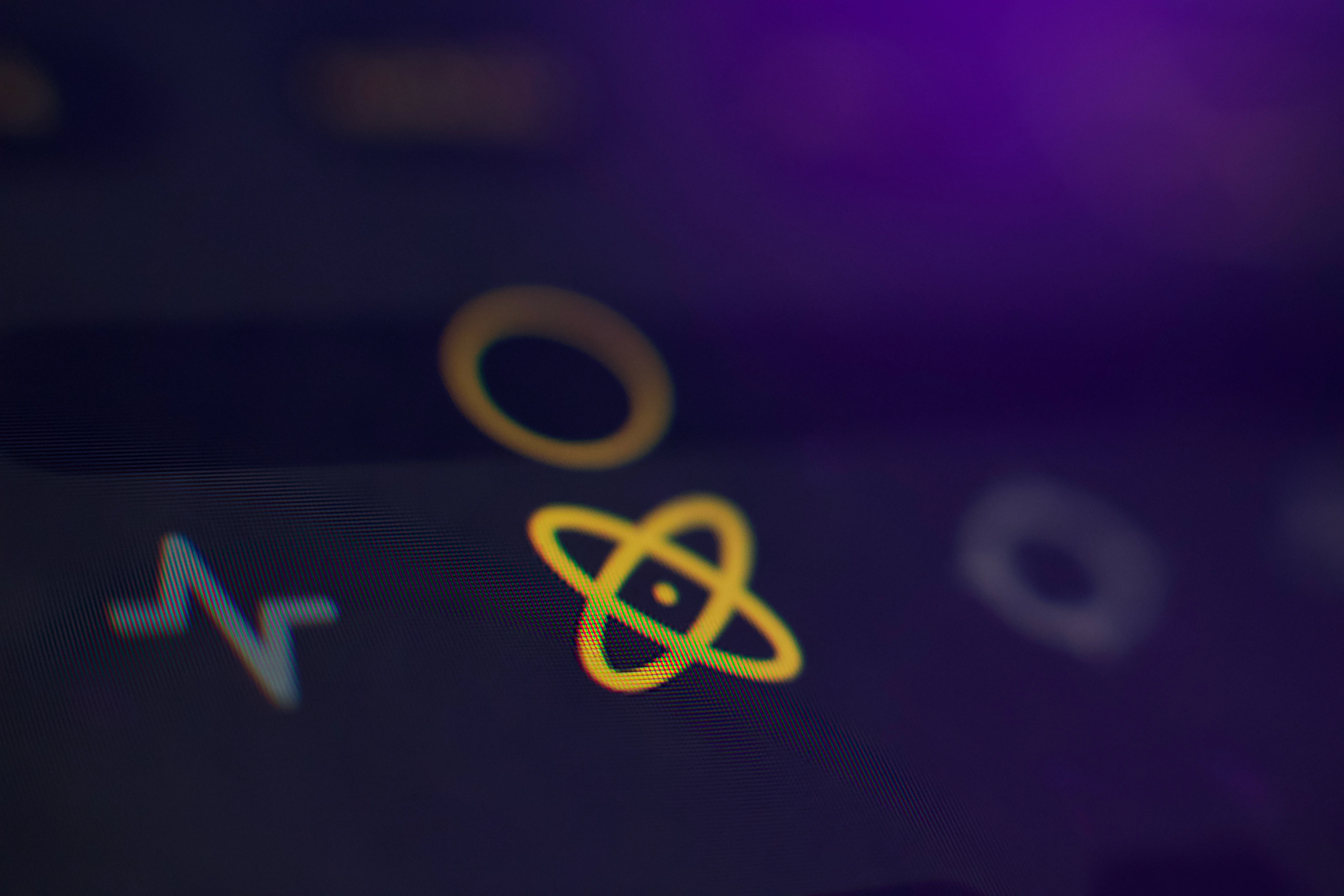
Carefully designed for smooth blends, creative control and intuitive visual feedback. Access your input signal on both ends of the crossfader, enabling blends between every combination of signals. Click the icons below to snap to a particular source.
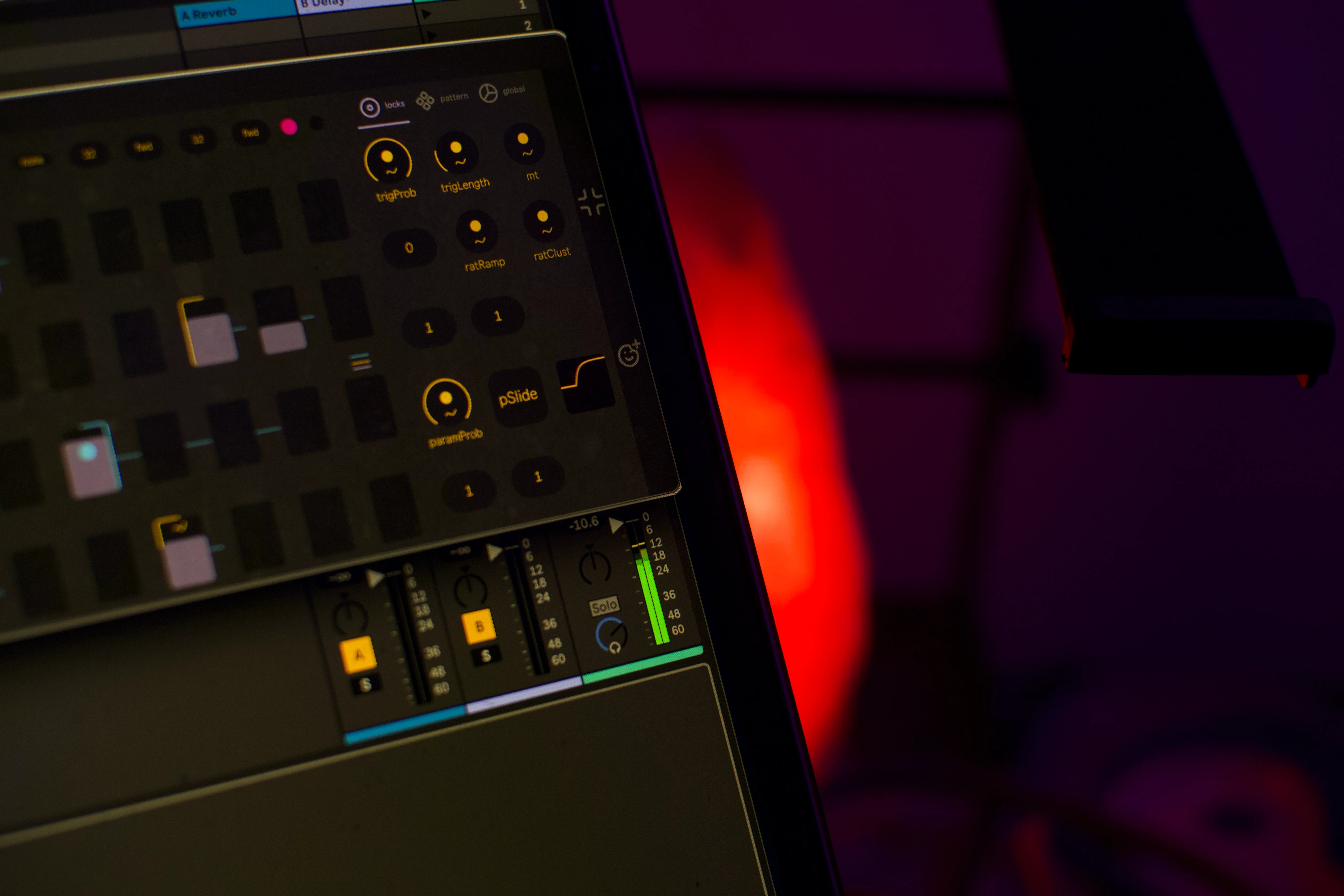
Modulate every sampler and effect parameter with 8 independent lanes of modulation from the sequencer. Each of these can run at their own clock division, direction and last step settings. Combine with slides, parameter conditions and per lane modulation scaling and delay for extra interest.
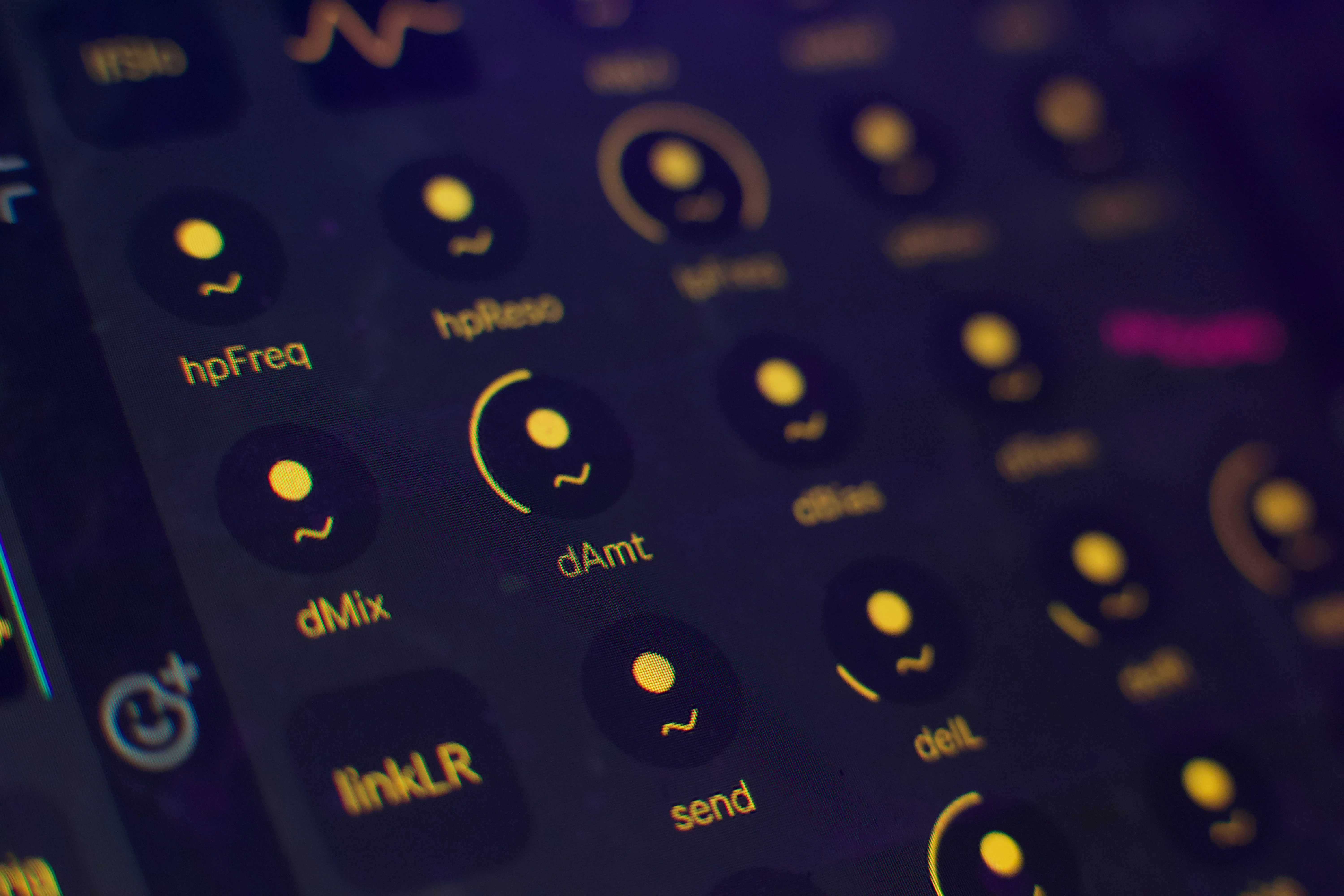
You're spoilt for choice. Complex LFO, 3 band EQ, HP & LP filters, distortion, ping-pong delay and reverb with a noise circuit. All modulatable and waiting to mangle your audio signal. You won't be running out of creative options anytime soon. Be as subtle or as heavy handed as you like.
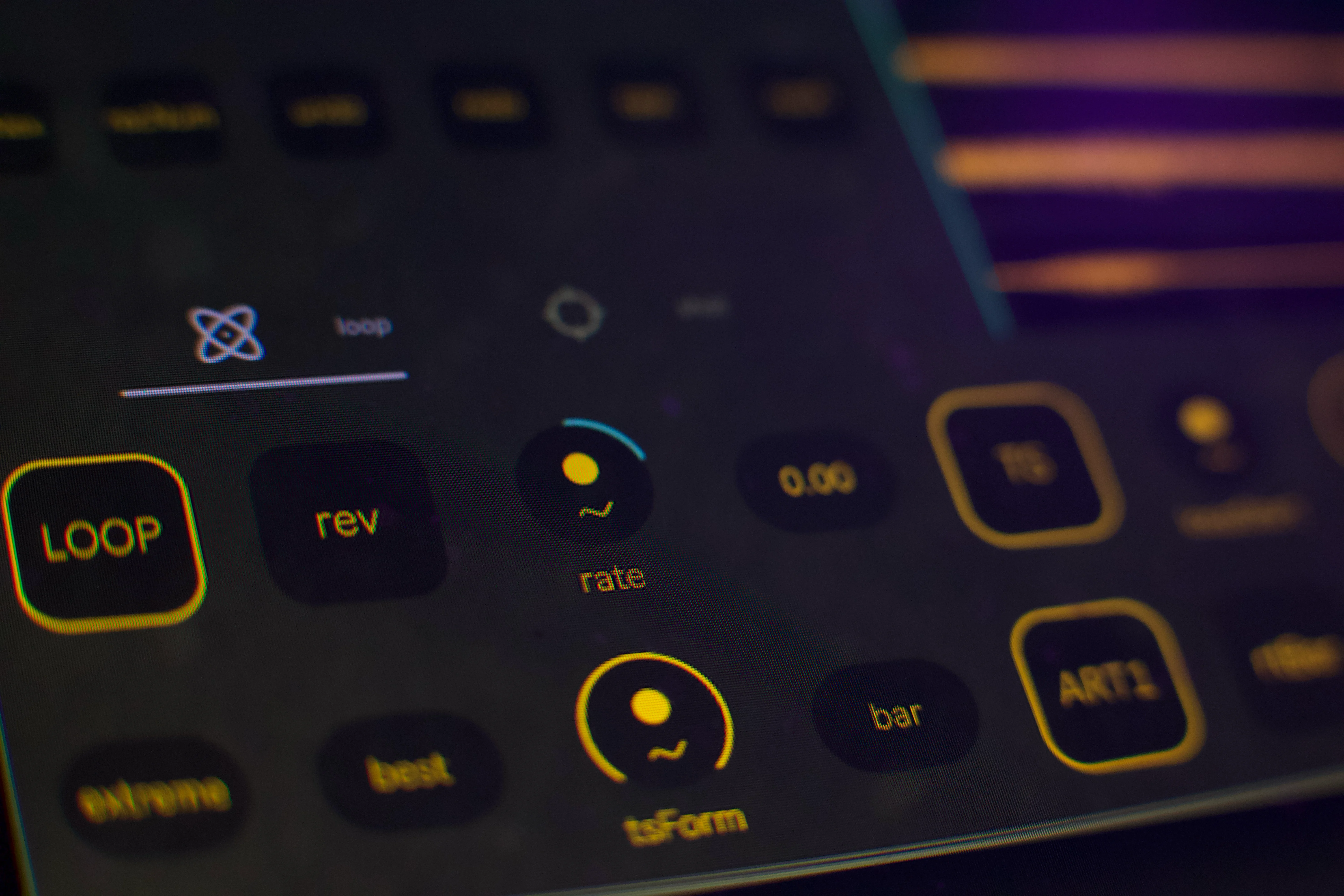
Control the crossfader and recording controls from the tray UI. Want to dive in? Pop open the dynamically resizable custom UI for full control. Shift support for fine tuning paramters, double click to reset paramters, hold command (ctrl on windows) or option to access different increment intervals.
Dedicated window for MIDI mapping. All controls except the sequencer steps are MIDI mappable. psst these can also be used for automating and modulating from Ableton. Don't let us stop you if you want to get experimental and change the sequencer direction or last step settings every 3.1.7 bars.

We only send newsletters when we have something meaningful to say.
Subscribe for our latest news and exclusive offers.


.svg)